Booking types overview
Booking types define how customers can book with you — the offer name, duration, how many lanes or rooms it takes, and who can see it. Set them up well and your booking page sells exactly what you want, the way you want.
What is a booking type?
Every booking is made of an activity as a booking type. For example, a bowling center might offer:
- 1-Hour Lane Rental — 1 hour, 1 lane, visible to everyone
- Birthday Party Package — 2 hours, 2 lanes, marked as a party booking
- Members Night — 1 hour, visible to members only
Each booking type carries:
- Name and color — how it appears to customers and on your calendar
- Duration — fixed hours and minutes, or custom duration chosen at booking time
- Party / Rental flags — mark special booking categories
- Activity units — how many lanes, rooms, or bays one booking occupies
- Visibility — public to guests, to members, or both
- Status — active or inactive
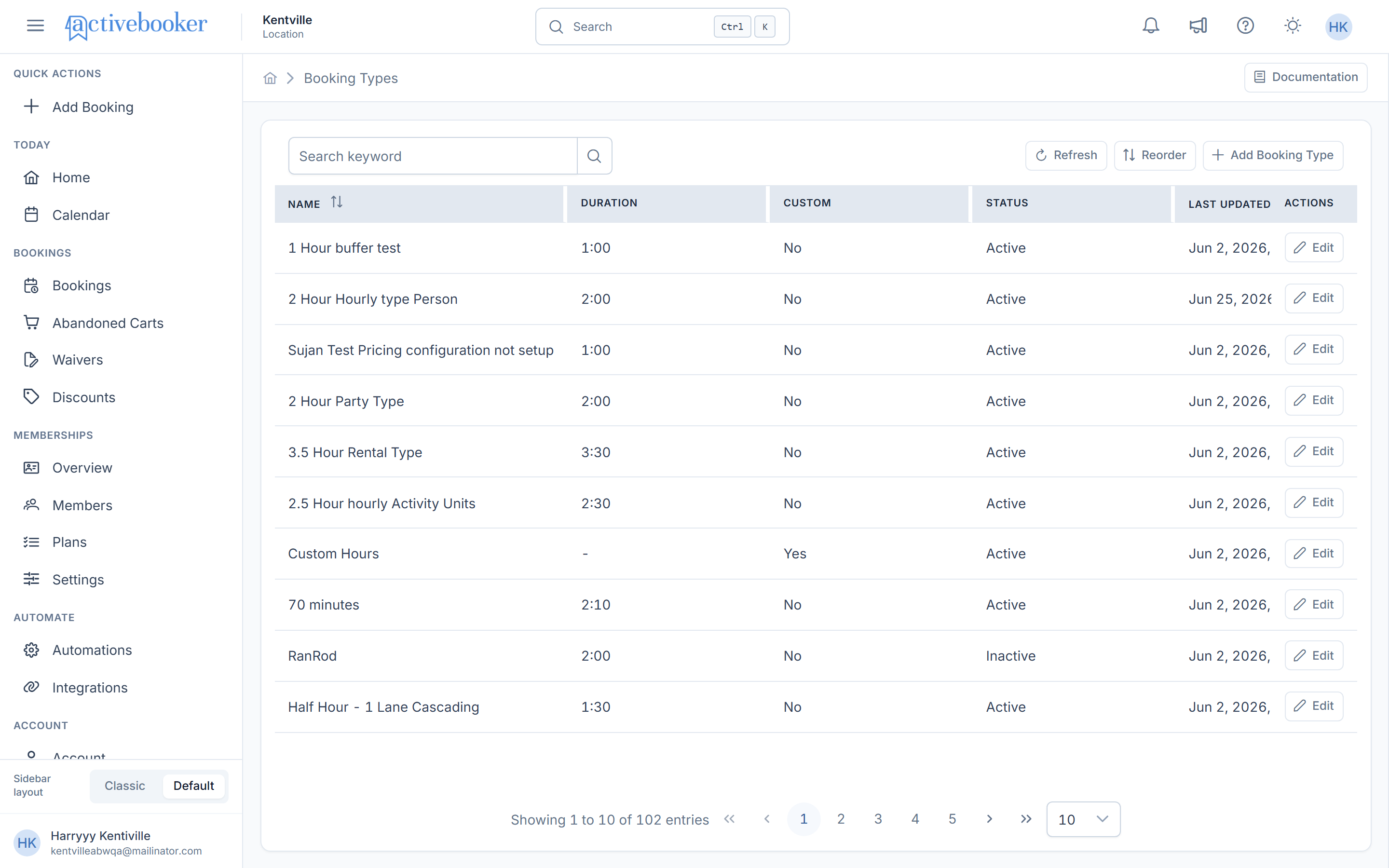
You manage booking types account-wide from Booking Types in the left sidebar, under the ACCOUNT section:
Defined once, configured per activity
Booking types are created once for the whole account. Then, inside each activity, you open that booking type's detail page to configure how it behaves there — its content, pricing, dynamic pricing, and linked add-ons are all specific to the activity + booking type combination:
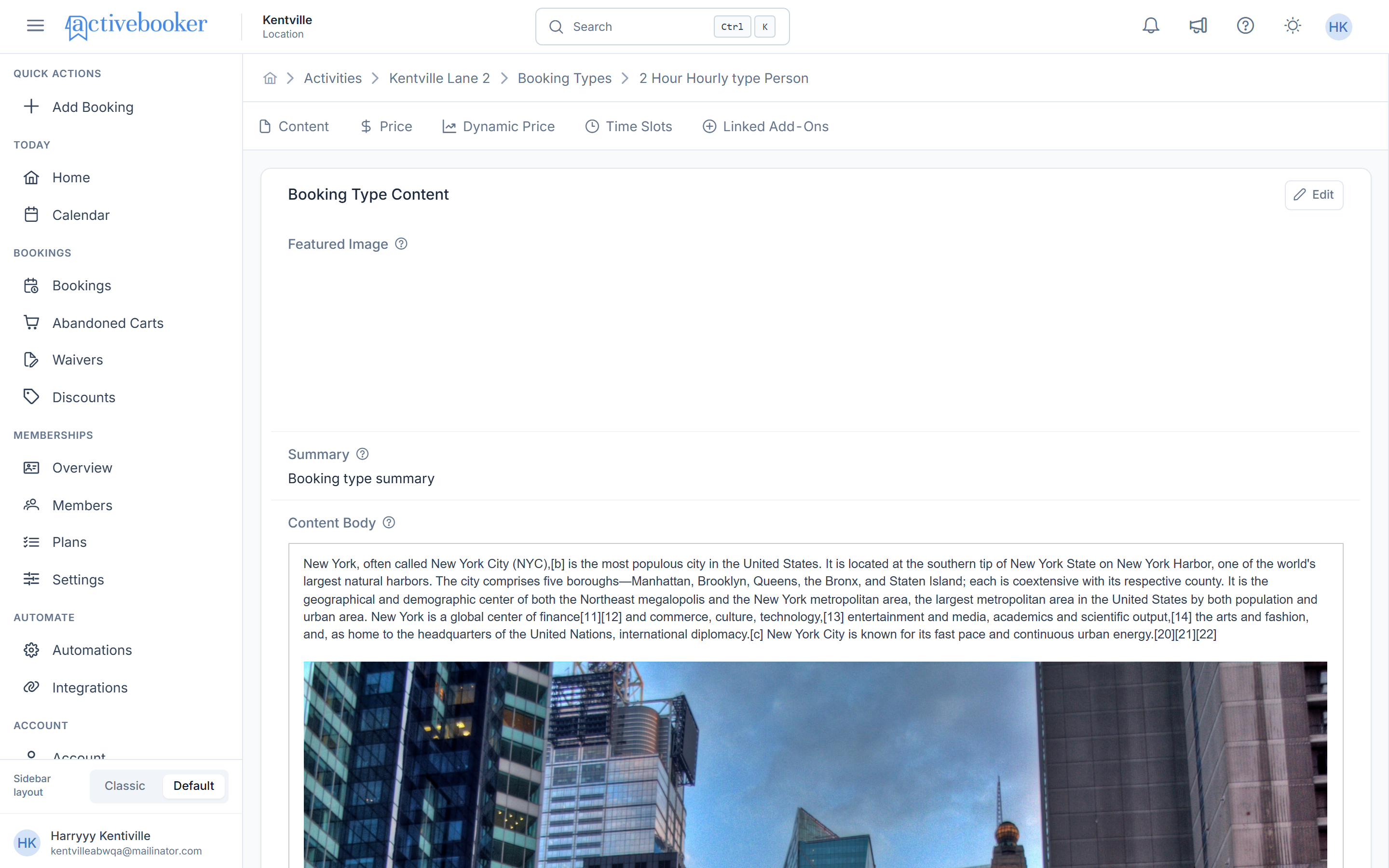
- Price settings, fees and charges, and dynamic price rules
- Time slots
- Content and images shown on the booking page
- Linked add-ons
- A booking prompt shown during checkout
This split is what lets the same "1-Hour Session" have different prices and schedules on different activities.
Where to go next
| Task | Guide |
|---|---|
| Browse and manage existing booking types | Booking types list |
| Create a new booking type | Add a booking type |
| Change duration, visibility, or flags | Edit a booking type |
| Set prices, deposits, fees, and taxes | Pricing configuration |
| Adjust prices by demand or date | Dynamic price rules |
Related
- Core concepts — how booking types fit into the bigger picture
- Activities — the resources booking types are offered on